
Quick Spots
How to use the Quick spots card on the BluffLog Filters page: the ready-made set of spots, setting a spot's filters in one click, hiding and reordering spots, your own preset, the opener position filter and Clear All.
Quick spots are ready-made filter sets in the card at the top of the Filters page. The built-in set was put together with a working coach and is shared by cash and tournaments; tournaments add one more spot, “Cashed tournaments”.
One click, a spot’s filters
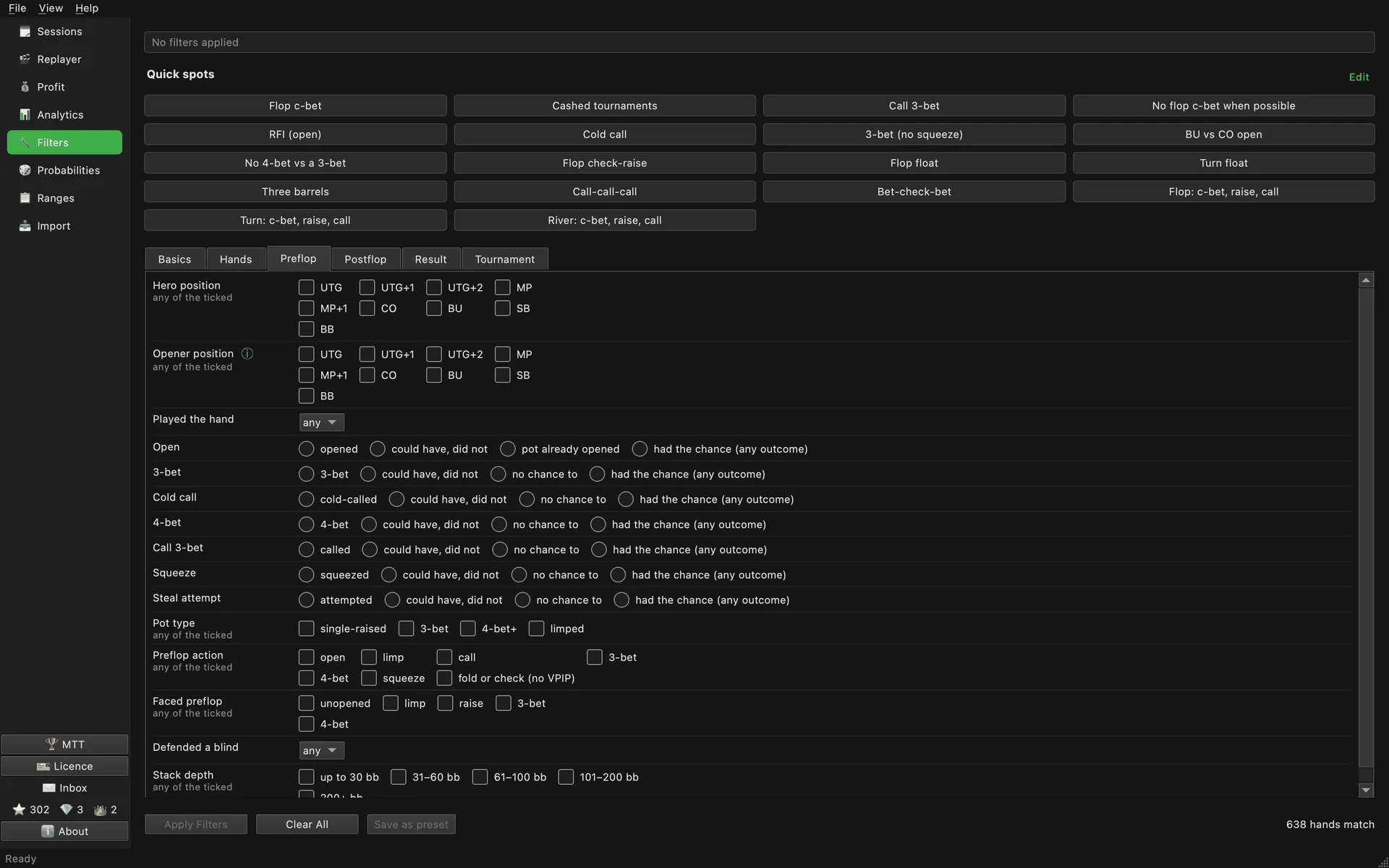
- Clicking a button sets that spot’s filters in the form, exactly what ticking the boxes by hand would give. The button lights up, the counter at the bottom right shows at once how many hands match, and “Apply Filters” applies the set across the app.
- Clicking a lit button takes the spot’s filters off again. A spot never sets or clears dates, stakes, table or session.
- “Opener position” on the Preflop tab is the position of the player who made the first raise preflop. If nobody raised, the hand does not match. Spots such as “BU vs CO open” rest on it: hero on the button, the cutoff opened.
- “Clear All” takes off every filter of the current mode at once. The other mode’s filters stay as they were.
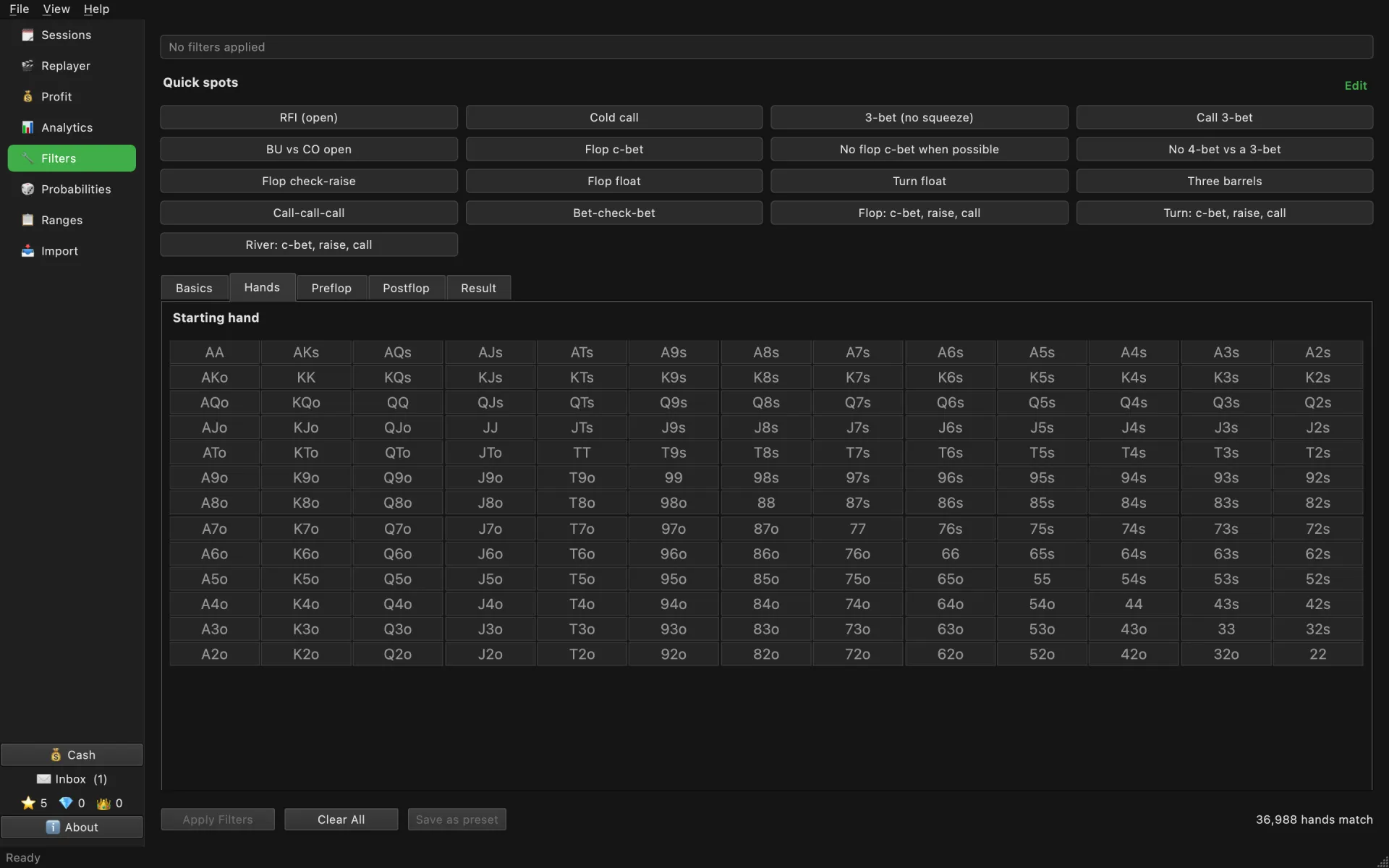
The starting hand grid on the Hands tab belongs to a spot too: clicking a quick spot resets it, so that the spot returns as many hands as its name promises.
Order and visibility
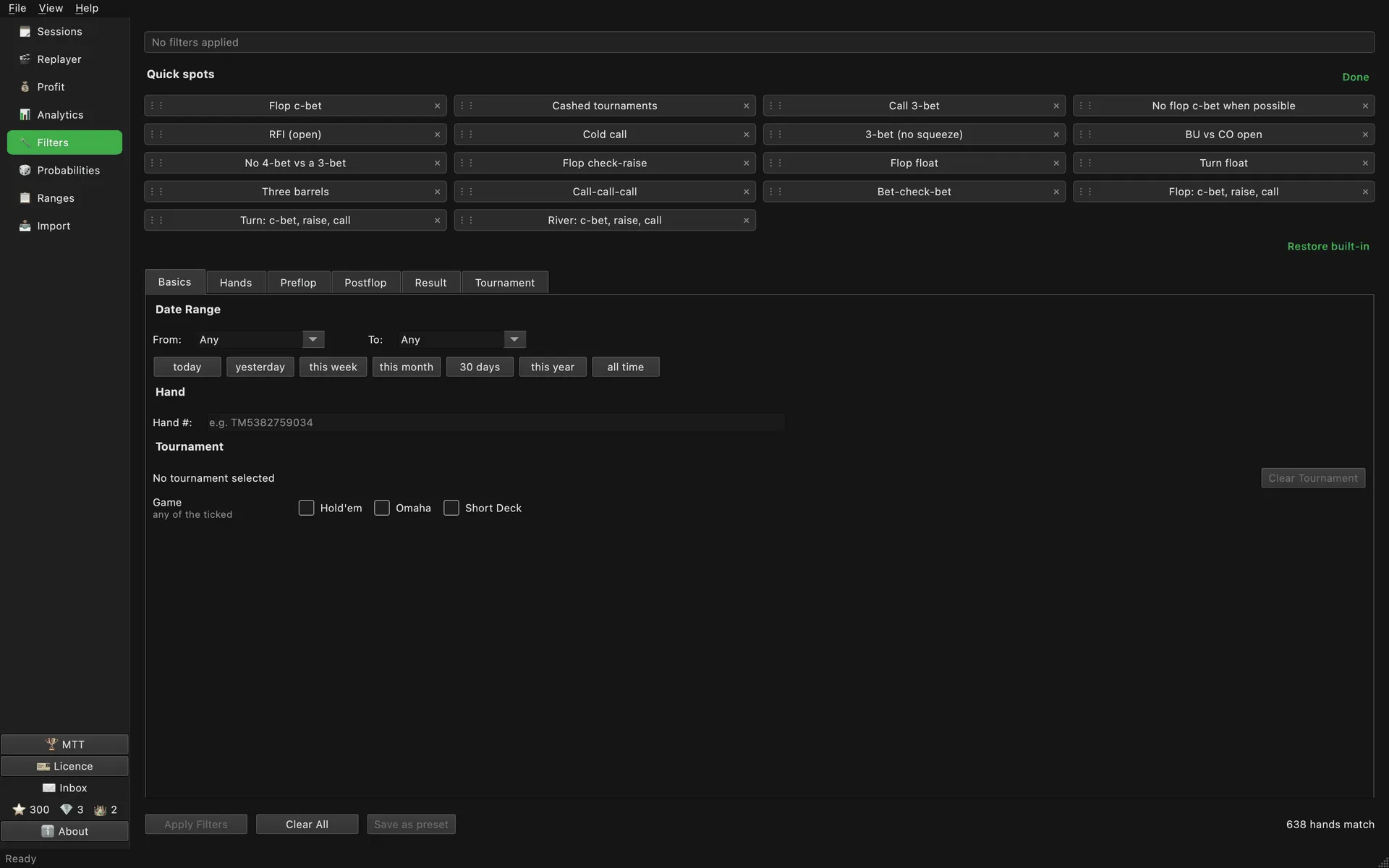
“Edit” in the corner of the card turns on edit mode:
- The ⋮⋮ handle on the left: drag it and the spot moves to a new place.
- The cross on the right hides a built-in spot, or deletes one of yours after asking.
- “Restore built-in” brings back everything hidden, each in its own place.
“Done” turns edit mode off. A spot can also be hidden or moved from a right-click on its button.
Your own preset
Set the filters you want in the form and press “Save as preset”: the app asks for a name, and a new button appears among the quick spots. A preset holds only hand filters; dates, stakes and table are not part of it. Right-click your button to rename or delete it.
Every visible quick spot, built-in or your own, also appears as a row on the Spots tab in Analytics, with its own winrate.
→ See also: Positions and Spots, Cash Game Analysis.